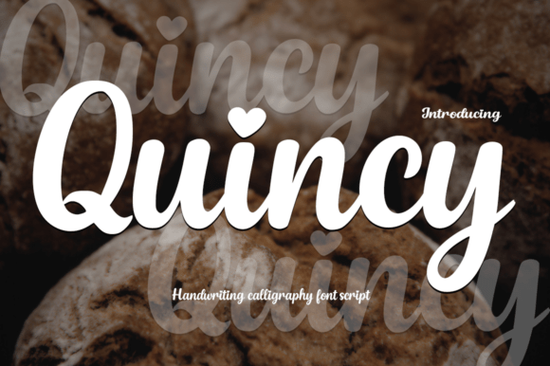
If you are looking for a script typeface that balances elegance with a personal touch, the Quincy Font is a fantastic choice for your next project. This modern calligraphy style brings a smooth, handwritten feel to wedding invitations, branding, and social media graphics. What makes it truly special is the charming heart-shaped dot on the letters "i" and "j," which adds a subtle, whimsical detail to your typography. For crafters and print-on-demand sellers, having a versatile script that feels both professional and approachable is essential for creating products that customers actually want to buy and gift.
What makes this calligraphy style stand out for branding?
When creating a brand identity or designing a logo, the typography needs to communicate the right mood immediately. The flowing strokes and graceful curves of this typeface give it a refined yet approachable personality. It is especially effective for businesses targeting a female demographic or those selling handmade, romantic, or lifestyle products. If you have previously used romantic script styles for your boutique, this will feel like a natural addition to your toolkit.
The heart-shaped details on the lowercase letters provide a unique signature look that helps your packaging or social media posts stand out without looking cluttered. For print-on-demand sellers, this typeface works beautifully on minimalist apparel, ceramic mugs, and tote bags. The delicate lines translate well to vinyl cutting and sublimation, provided you keep the design size large enough to maintain the integrity of the thin strokes.
How can I use the included bonus display typeface?
Alongside the elegant script, you also get a bonus display typeface called Playtoon. This is a bold, cartoon-style font that completely shifts the mood from romantic to playful. With its expressive letter shapes and lively vibe, it is perfect for kids' content, comic book covers, or educational materials.
Pairing a delicate script with a chunky, fun display font is a classic design trick that creates instant visual interest. For instance, you might use the bold display for the main title of a children's storybook, a nursery wall decal, or a playful t-shirt design, and then use the delicate script for the author's name, a subtitle, or a secondary message. This combination keeps the design dynamic and ensures that both the fun and the elegant elements of your brand are represented.
Which other typefaces pair well with this style?
Finding the right combinations for your layouts can take time, but mixing different weights and styles is key to a professional look. If you need something with a bit more weight for a contrasting header, you might explore heavy brush styles to create a striking visual hierarchy. The contrast between a thick, bold header and a delicate, flowing script draws the eye and makes the text much easier to read.
On the other hand, if you want to keep the romantic theme going but need a slightly different flavor, looking into front picture script options can give you more variety for your seasonal campaigns. Exploring the complete Quincy typeface package details will also show you the full list of alternates, ligatures, and swashes included in the download, giving you even more flexibility when designing custom wordmarks.
What are the best practices for installing and using these files?
Getting the most out of your new typography requires a few simple technical steps, especially if you are using cutting machines or specialized design software. Always install the OTF or TTF files directly into your operating system before opening your design application. This ensures all the special characters and stylistic sets load correctly.
- Enable OpenType features: Make sure your software's ligatures and stylistic sets are turned on so the connecting strokes flow naturally without awkward gaps.
- Use the heart dots sparingly: While the heart-shaped "i" and "j" are cute, using them in every single word can make the text hard to read. Save them for short phrases, headings, or the focal point of your design.
- Check contrast and sizing: When printing on dark materials or cutting vinyl, ensure the delicate lines of the script remain crisp. You may need to slightly increase the stroke weight in your cutting software to prevent the thin lines from tearing.
- Mind the kerning: Even with automatic kerning, manually adjust the spacing between the capital letters and the following lowercase letters to ensure a smooth, even baseline.
Before you finalize your next design, run through this quick checklist: verify that your OpenType features are active in your software, check the legibility of the heart-shaped dots at your intended print or cut size, and ensure your bonus display font complements the script without overpowering it. Once you confirm these details, you are ready to export and share your beautiful new creations with your audience.
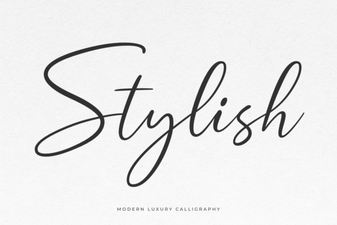 Creative Font Styles for Modern Designs
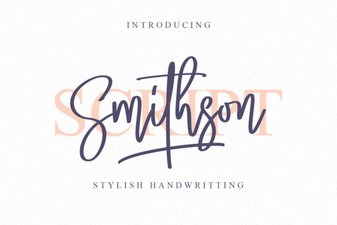 Smithson Font: Modern Typography for Creative Design
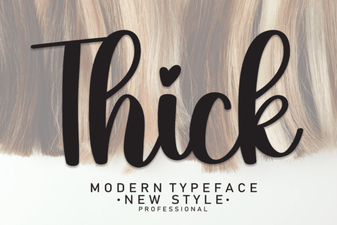 Designing with Bold & Impactful Thick Fonts
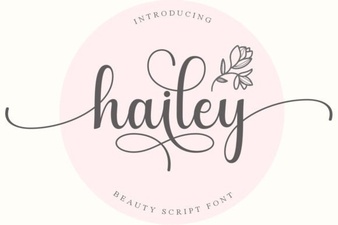 Hailey Font: Modern Typeface for Digital Designers
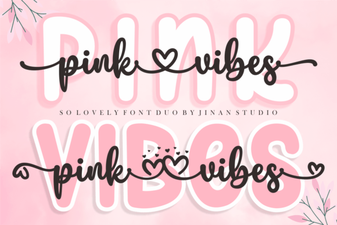 Craft Your Designs with the Pink Vibes Font Duo
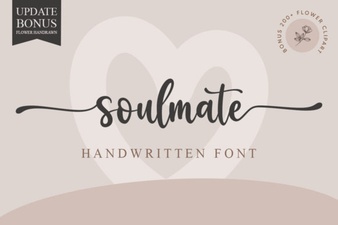 Free Soulmate Fonts for Creative Projects