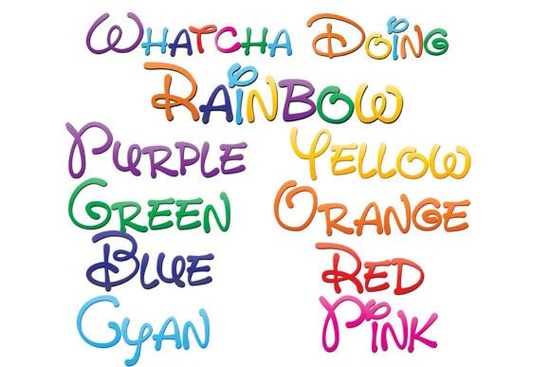
If you are looking to add a playful, vibrant touch to your crafting projects or digital designs, the Whatcha Doing Font is a fantastic option to consider. This collection features nine full-color, whimsical, hand-written typefaces that bring a rainbow of personality to your work. Whether you are designing a simple text logo or a complex illustration for your print-on-demand store, these vector-based fonts scale perfectly without losing quality. Let's look at how you can use them effectively in your creative workflow.
How do full-color SVG fonts actually work?
Many crafters and designers are used to installing standard black-and-white fonts and coloring them manually. Full-color SVG fonts operate a bit differently. They are built with multiple color layers inside the font file itself. When you install them via FontBook on a Mac or your preferred font manager on Windows, they act just like regular .otf files. However, the magic happens in the software. You will see the vibrant rainbow gradient only when you type in a program that supports OpenType SVG color fonts.
Which programs support these colorful typefaces?
It is completely normal if the font appears black when you first select it in your preview window. This is just how the software previews the file before rendering the color layers. To see the actual colors, you need to use compatible software. Currently, Adobe products, Silhouette Studio, Quark, and Inkscape fully support these full-color SVG files. If you are using a program that does not support them yet, the text will simply render in solid black. In that case, you might want to explore other colorful font styles from this collection that might better suit your current software limitations.
What is included in the font bundle?
This bundle gives you nine distinct full-color typefaces to play with. You get eight individual fonts, each featuring a unique gradient made from a specific color of the rainbow. Additionally, there is a ninth font that beautifully combines all eight colors into a single, multi-colored typeface. This variety means you can match your text to a specific brand palette or let the full rainbow shine for a more festive, whimsical look. The hand-written print style gives everything a friendly, approachable feel, which is perfect for connecting with your audience.
What are the best ways to use these rainbow fonts?
Because these typefaces are vector-based, you can scale them to any size, making them incredibly versatile. Here are a few practical ways to incorporate them into your projects:
- Print-on-Demand Apparel: Create eye-catching t-shirts, hoodies, or tote bags with playful phrases that appeal to a younger demographic or kids' clothing lines.
- Digital Planners and Stickers: Add a cheerful touch to digital journaling layouts, goodie bags, or printable sticker sheets for kids.
- Small Business Branding: Design vibrant social media graphics, promotional banners, or simple text logos that stand out in a crowded feed without needing complex illustrations.
- Paper Crafting and Scrapbooking: Use them in your cutting software to print and cut vibrant vinyl decals, or use the colorful text directly in your digital scrapbooking layouts.
How do you troubleshoot if the colors are not showing up?
If you have installed the files and typed your text, but everything is still black, do not panic. First, verify that your software version is up to date, as older versions might lack SVG color support. Second, ensure you are actually typing the text in the document workspace rather than just looking at the font dropdown menu. The preview window often defaults to black to load faster. If you are saving your work to share with a client or send to a printer, remember that they also need compatible software to see the colors. It is always a good practice to outline your text or save the final file as a high-resolution PNG to lock in the colors.
Quick checklist before you start designing:
- Install the .otf files using your system's default font manager.
- Open a supported program like Adobe Illustrator or Silhouette Studio.
- Type your text directly on the canvas to trigger the color rendering.
- Scale your text freely, knowing the vector layers will remain crisp.
- Export your final design as a PNG or PDF to preserve the vibrant colors.
By following these simple steps, you can seamlessly integrate these playful, hand-written styles into your next creative project.
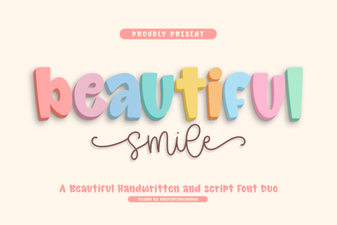 Download Beautiful Smile Fonts for Creative Designs
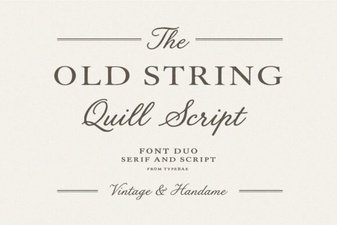 Vintage Font Design Tips for Modern Projects
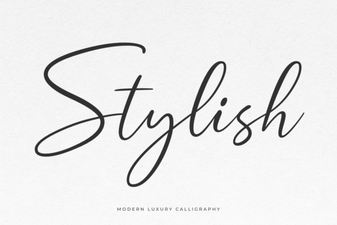 Creative Font Styles for Modern Designs
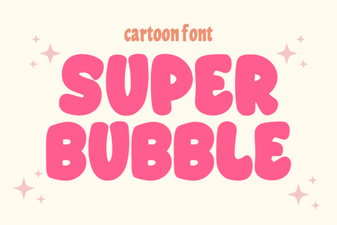 Super Bubble Font Design Inspiration & Free Templates
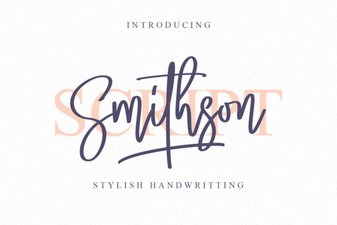 Smithson Font: Modern Typography for Creative Design
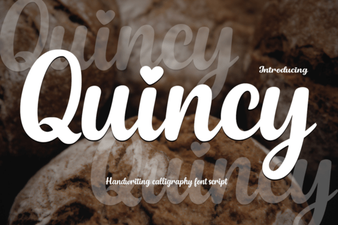 Get Creative with Quincy Font Design